 Looty
LootyRun your team’s work in one calm place.
Kanban boards, collaborative documents, a calendar, your mailbox and projects in a single workspace that you host yourself, with apps for Android, Linux and Windows that keep working offline.
AndroidLinuxWindowsWebiPhone and iPad
Boards
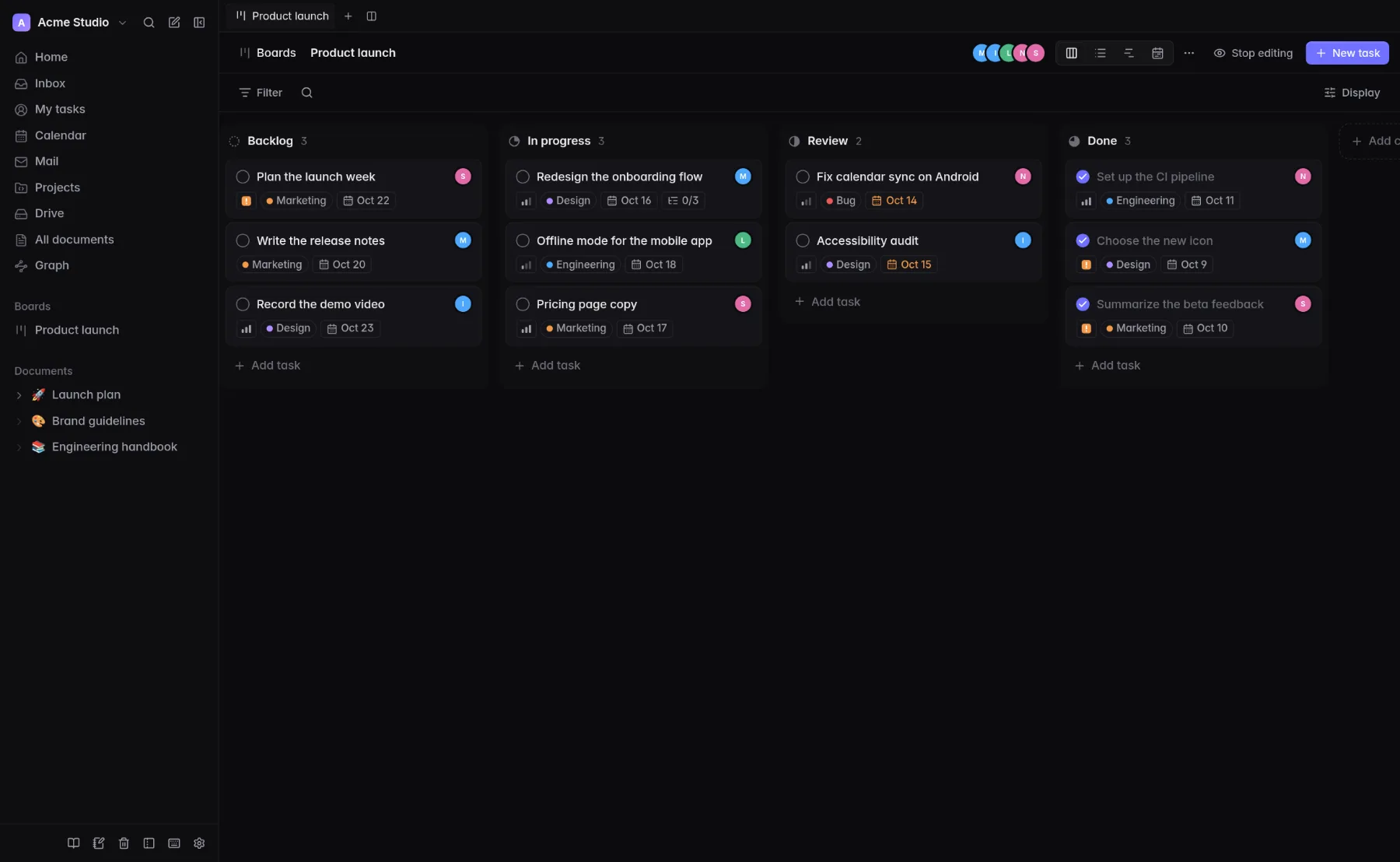
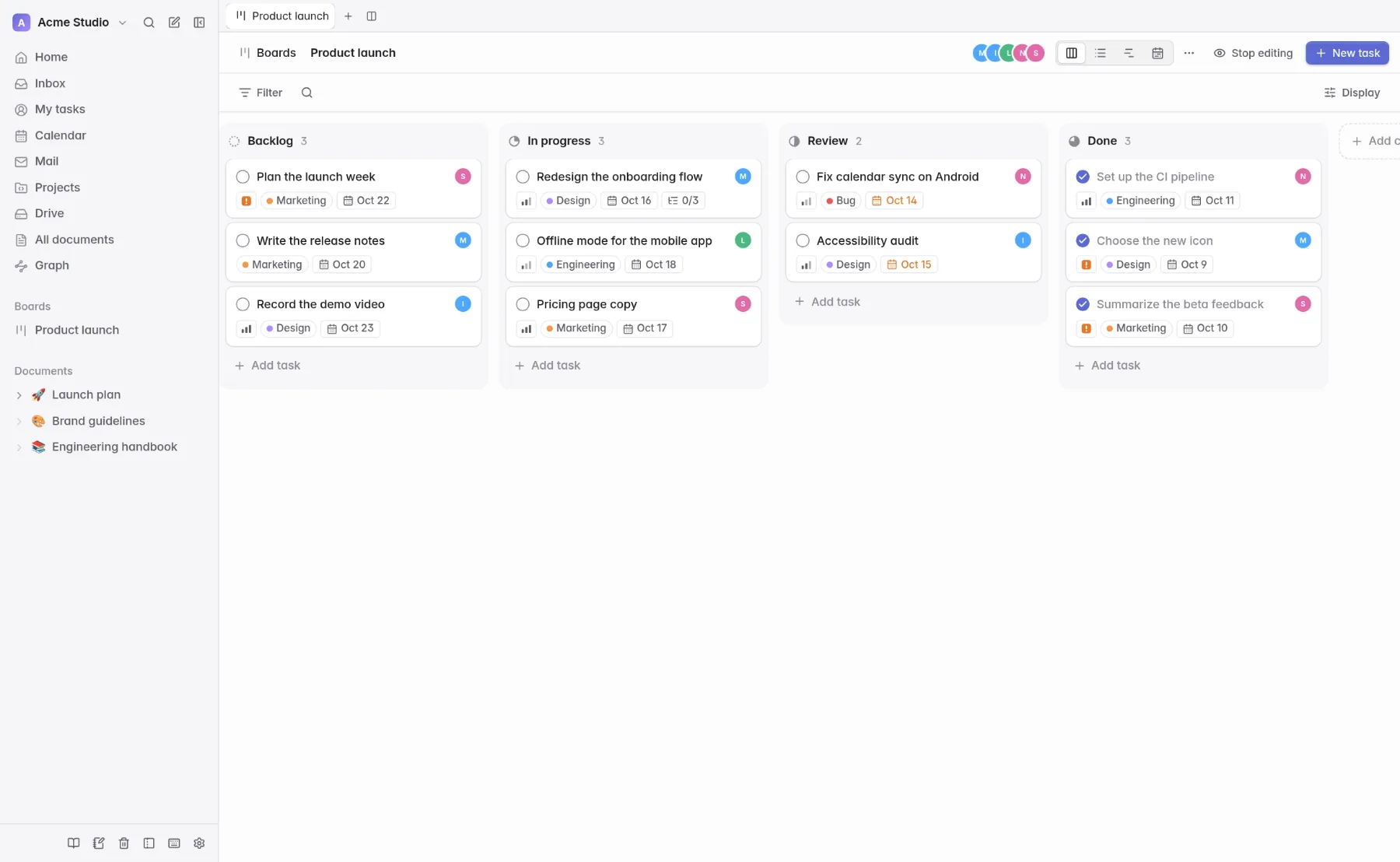
Boards your team will actually use
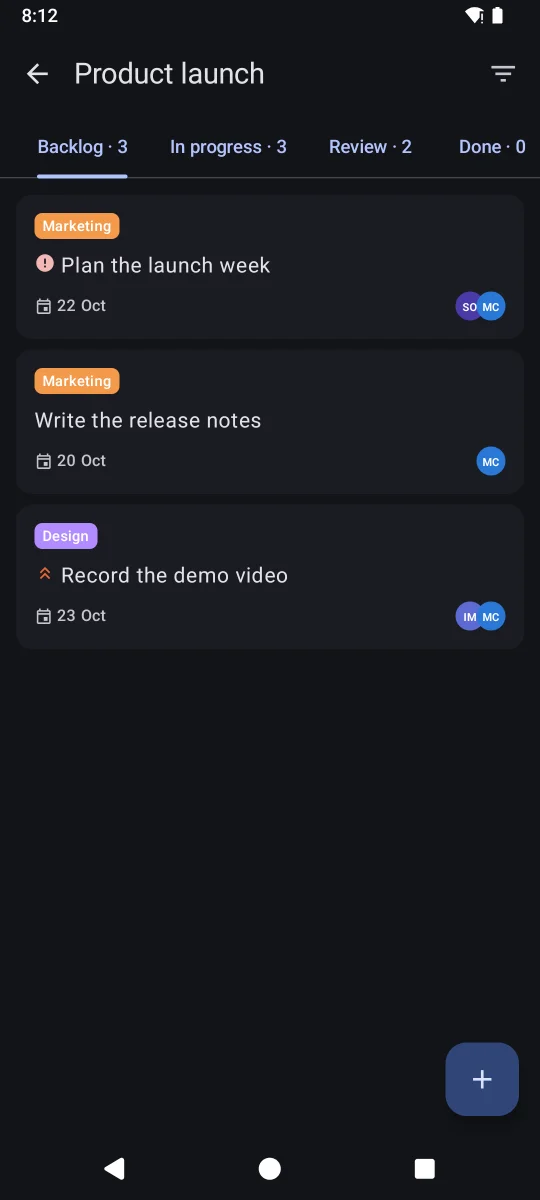
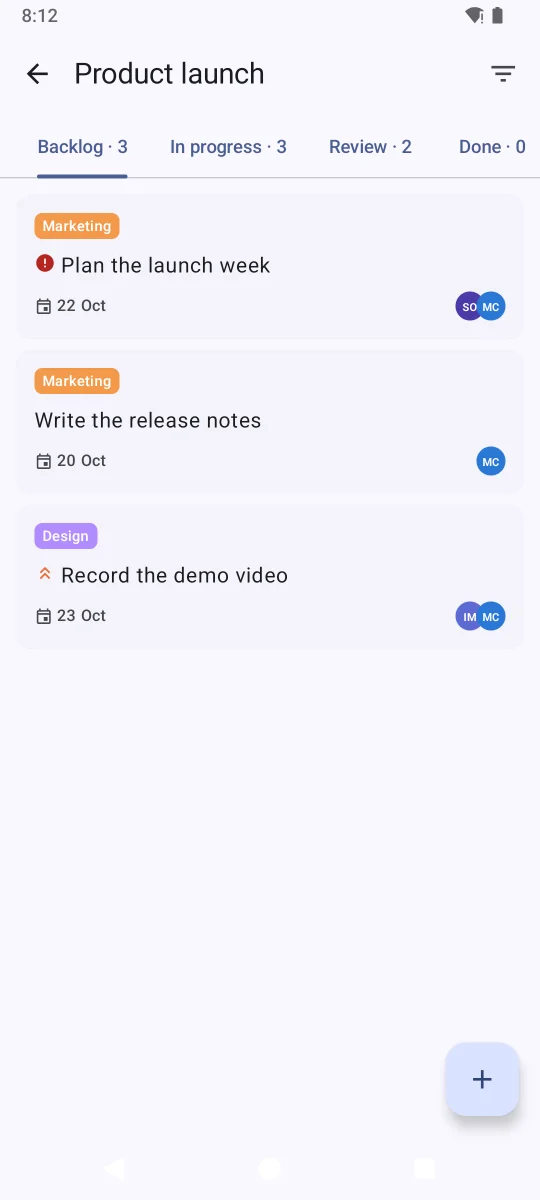
Move work from idea to done on a calm, fast board, then see the same tasks in a list, a timeline or the calendar.
- Kanban, list, timeline and calendar views
- Assignees, labels, priorities and due dates
- Sub-tasks, and validation person by person
- Everything with a date appears in your calendar
Documents
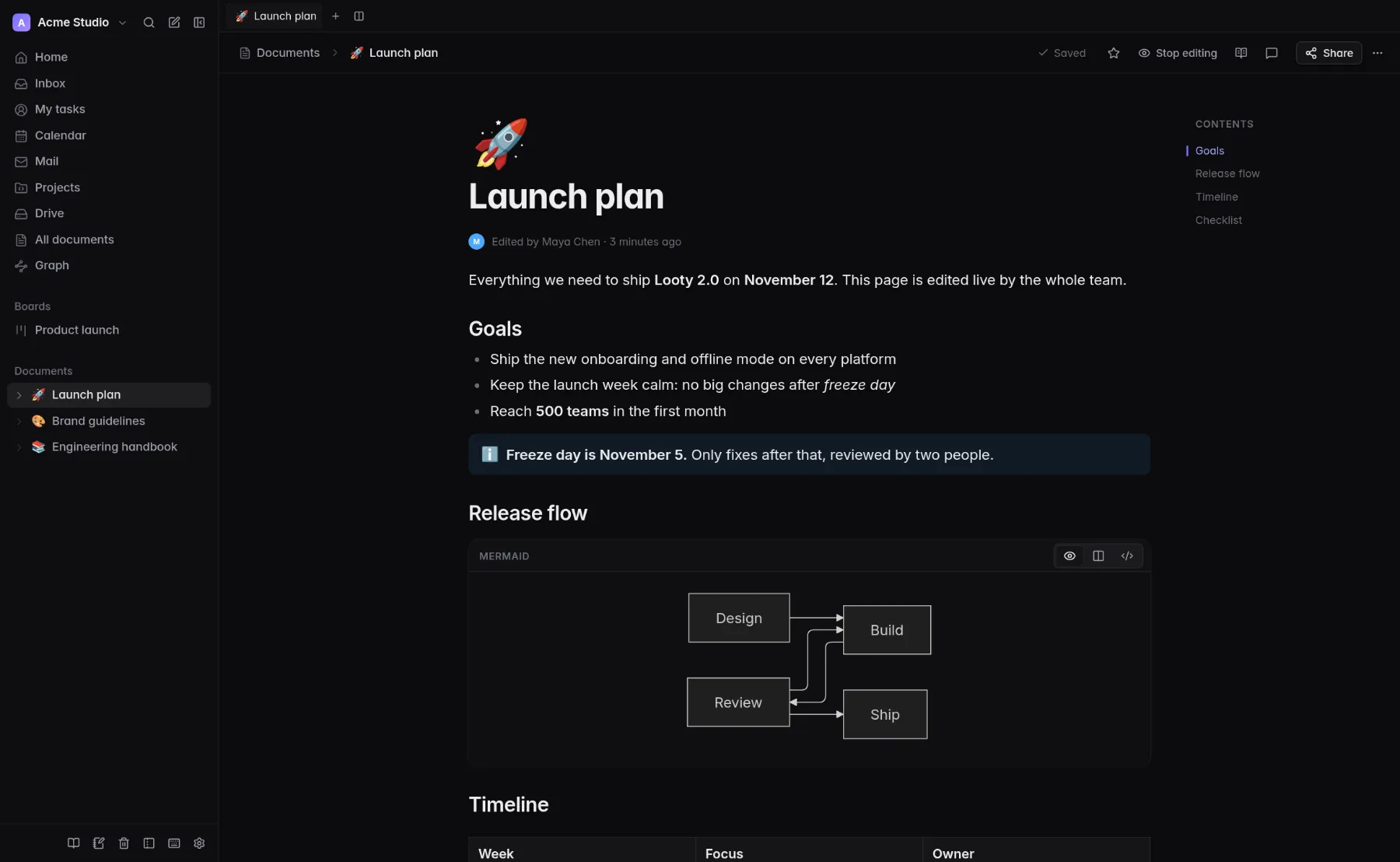
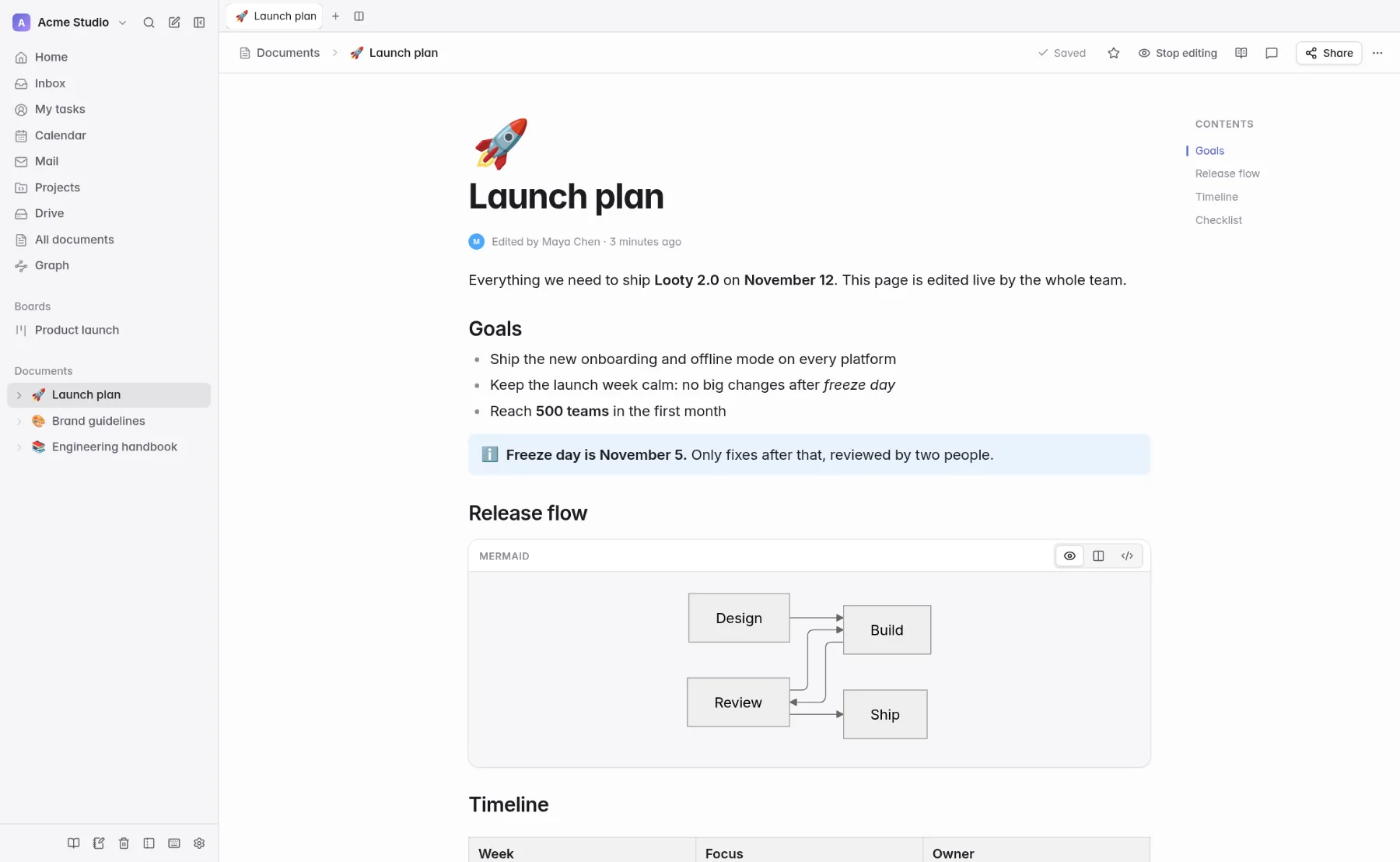
Documents you write together
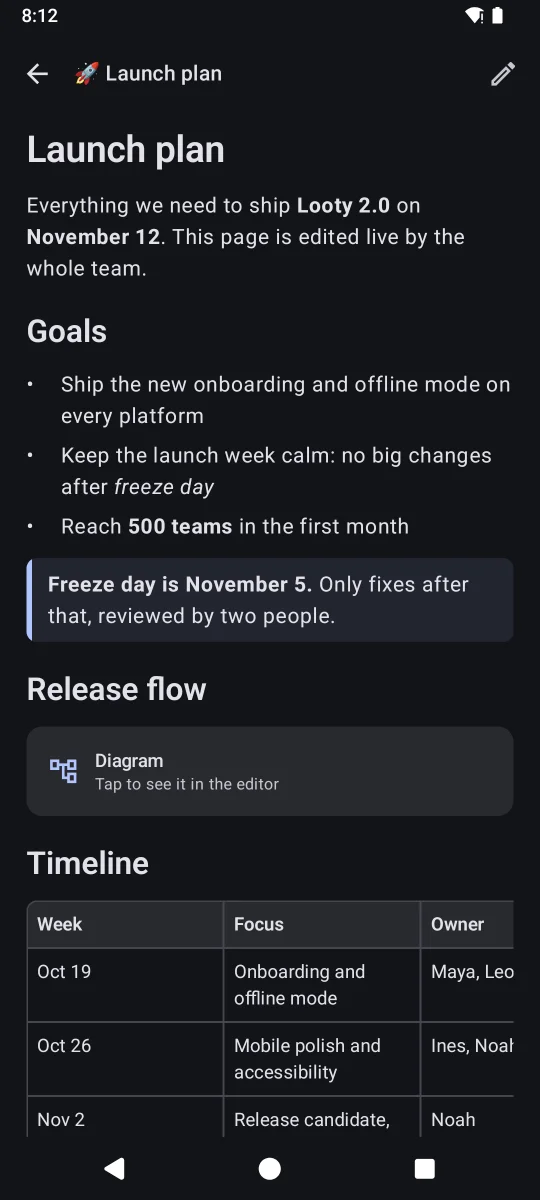
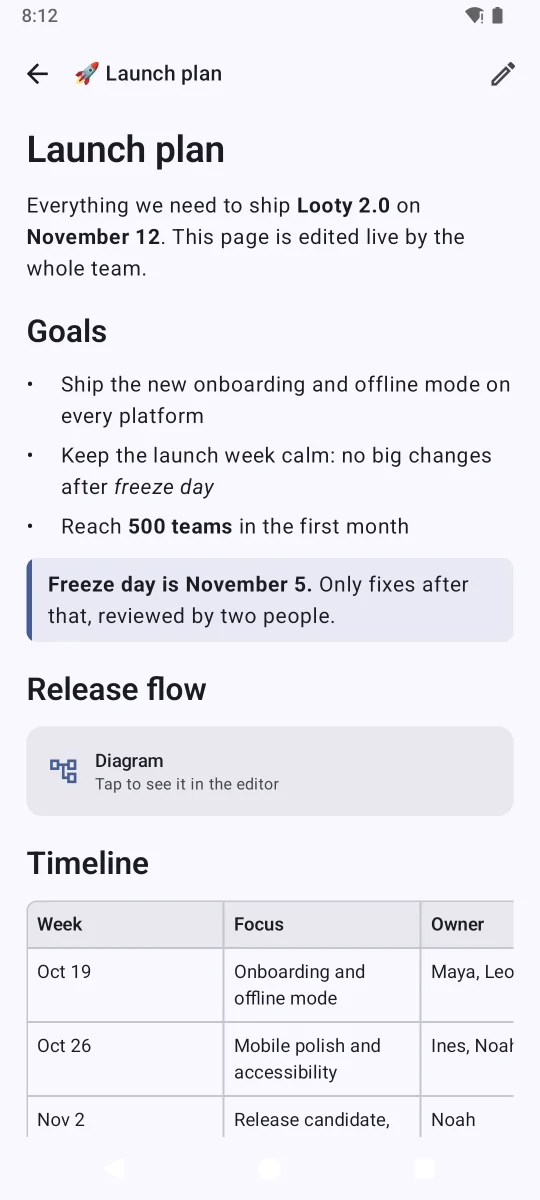
A fast editor that stays out of your way, with live cursors, rich blocks and the same document on every device.
- Live co-editing with presence and cursors
- Formulas, diagrams, tables, code and embeds
- Share by link, or with exactly the people you choose
- Edit offline in the apps; changes merge when you reconnect
Calendar
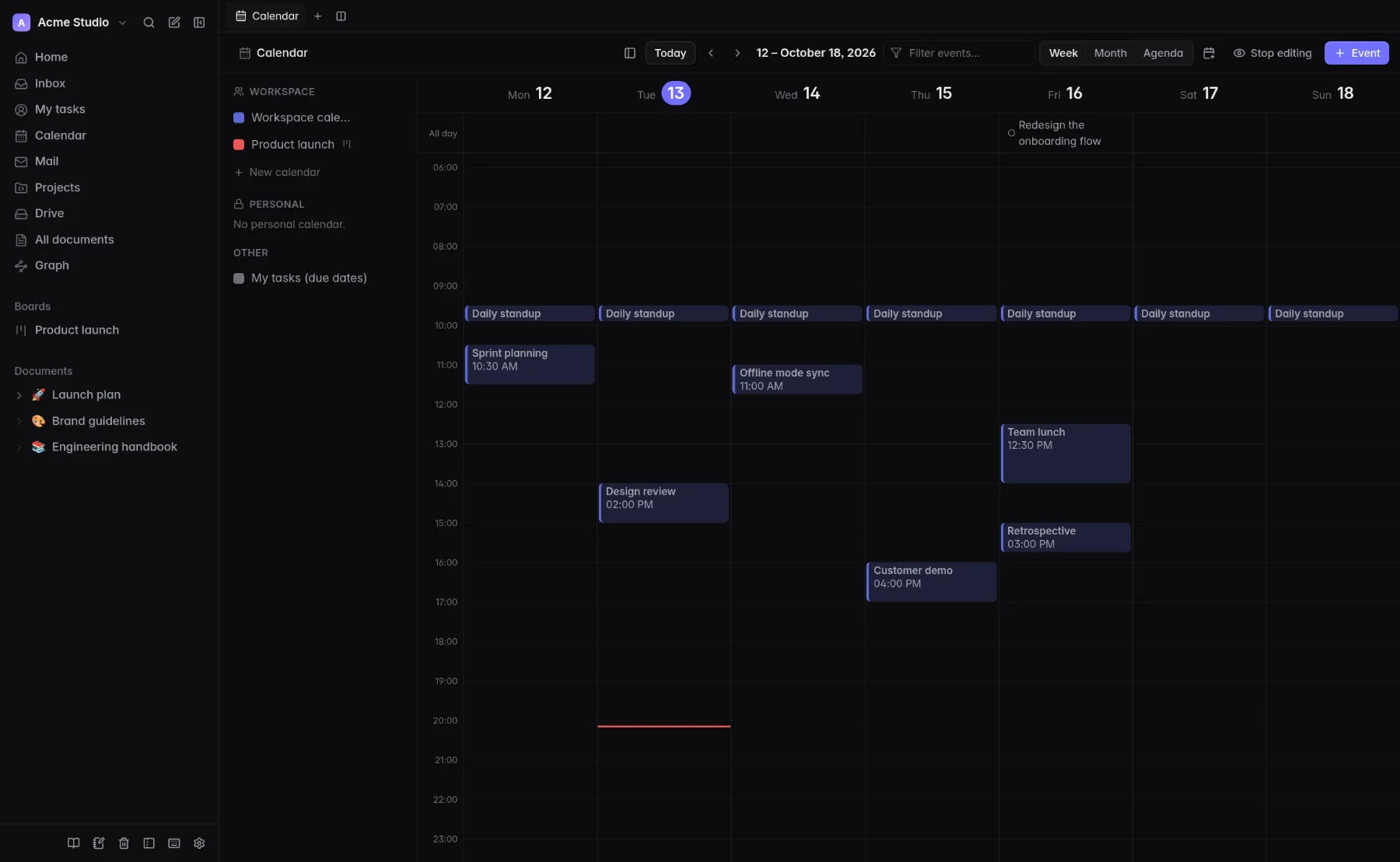
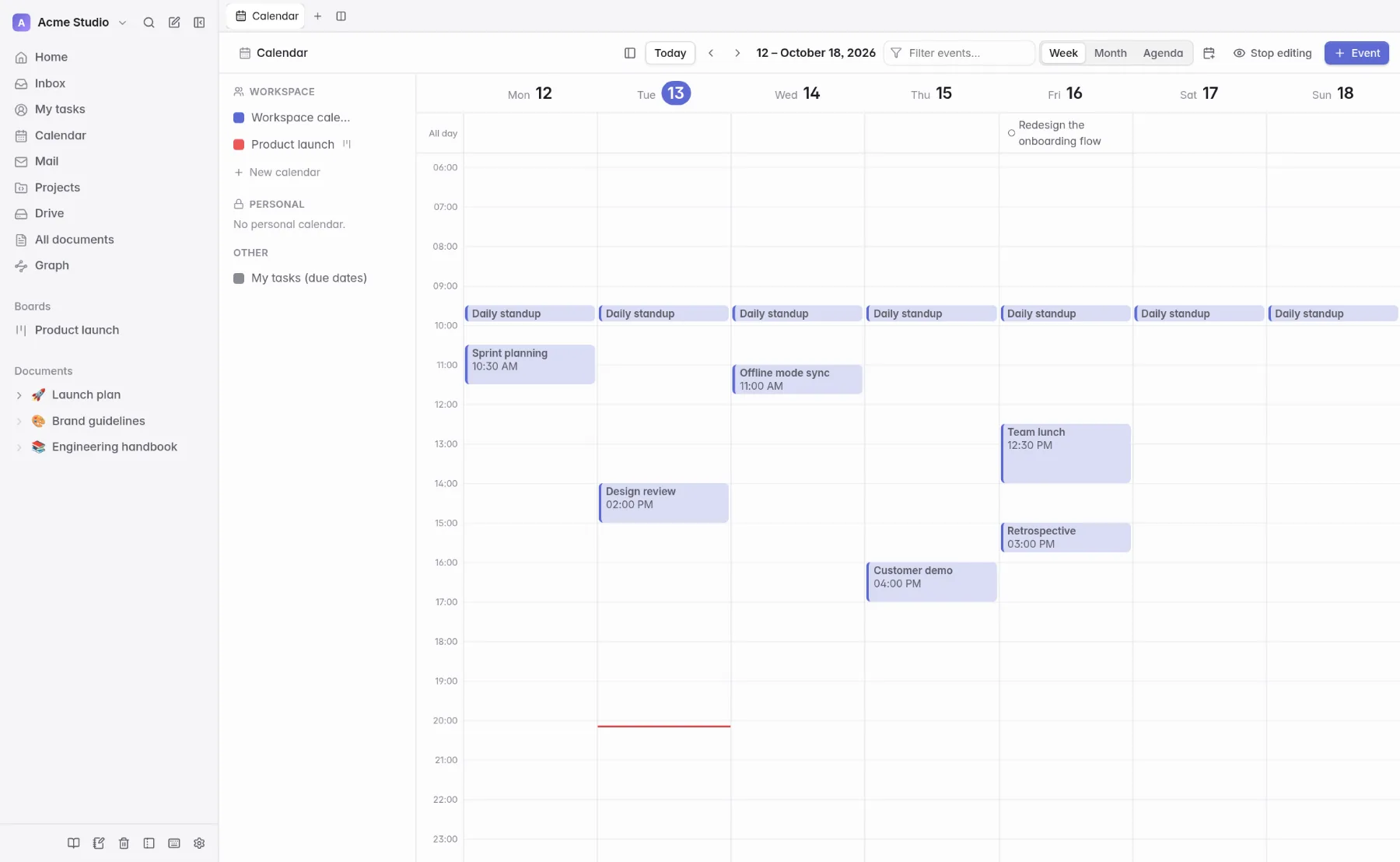
A calendar that knows your work
Plan the week with events and recurrence, and watch task deadlines land where they belong.
- Week, month and agenda views
- Recurring events and a calendar per board
- Subscribe to your school or work calendars (CalDAV)
- Task due dates show up on the calendar
Home
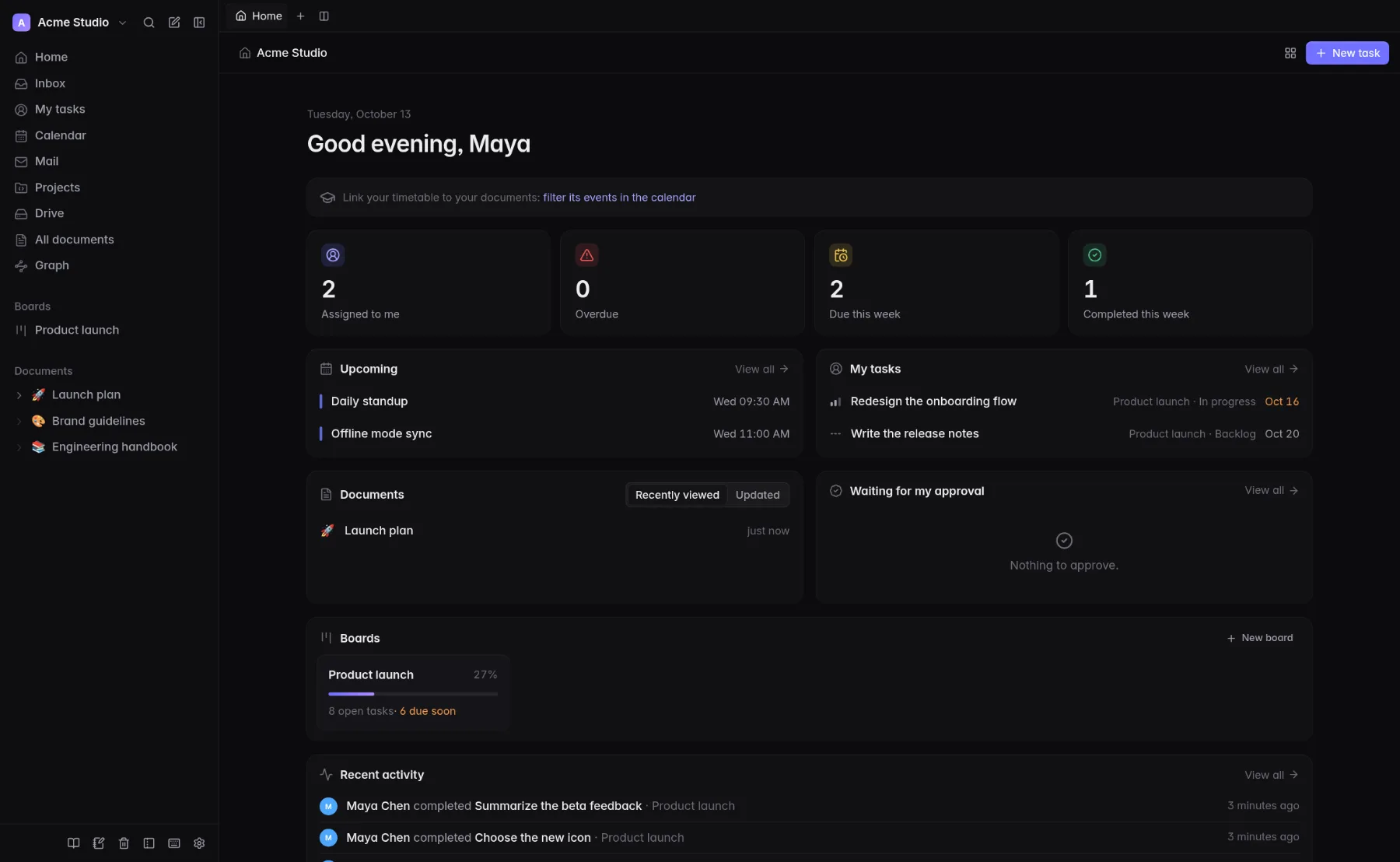
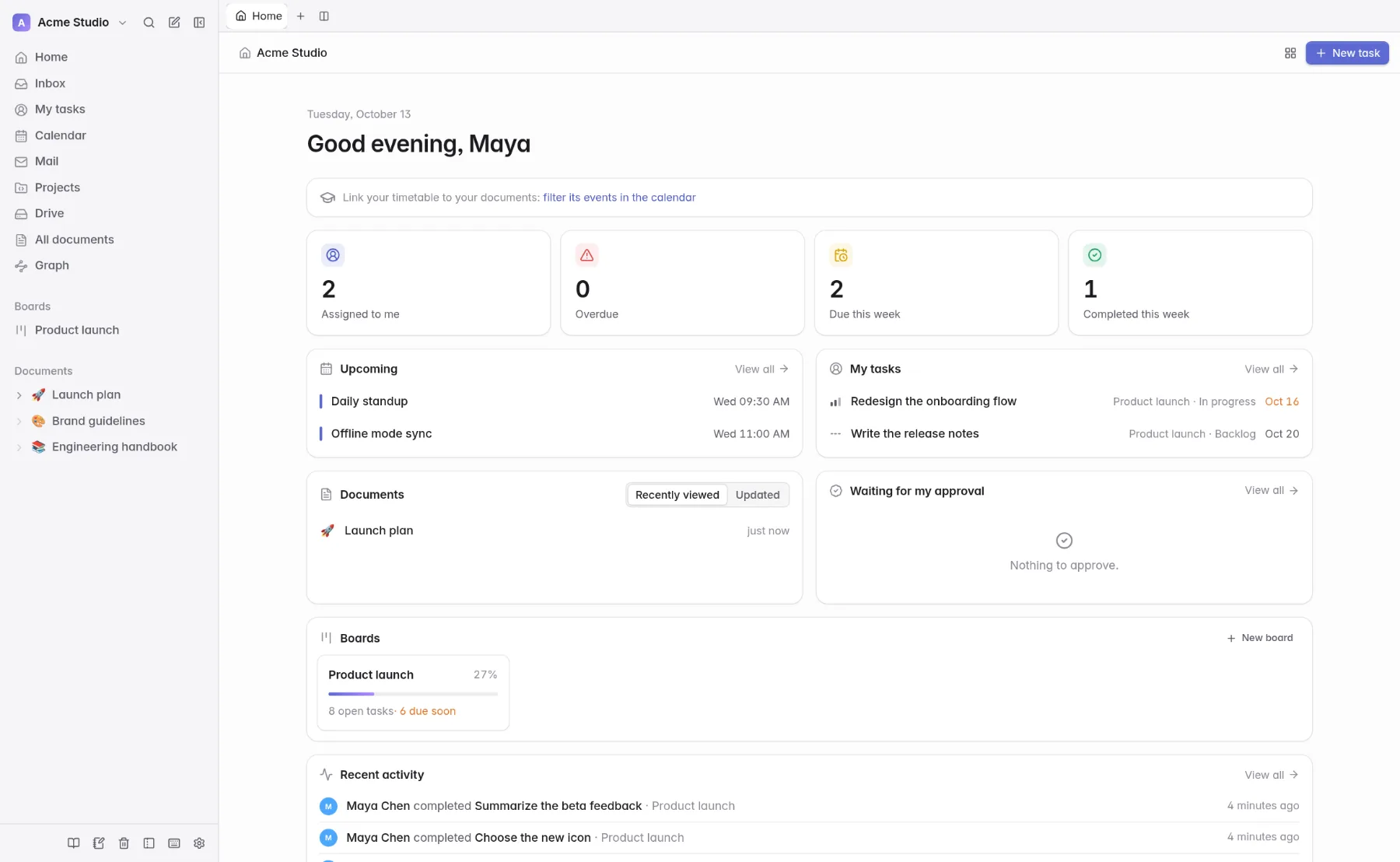
Your day at a glance
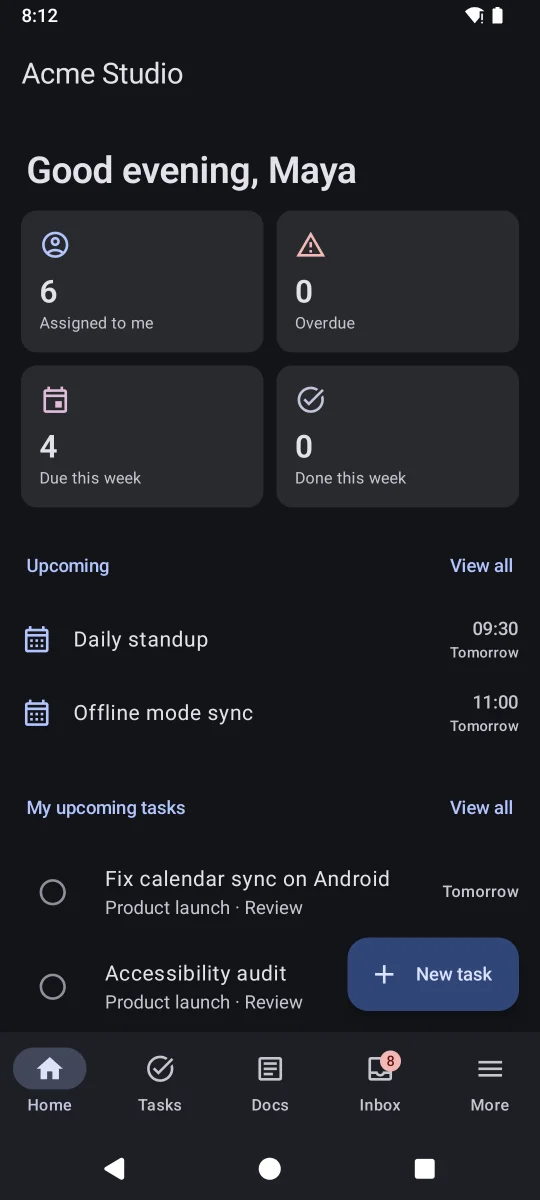
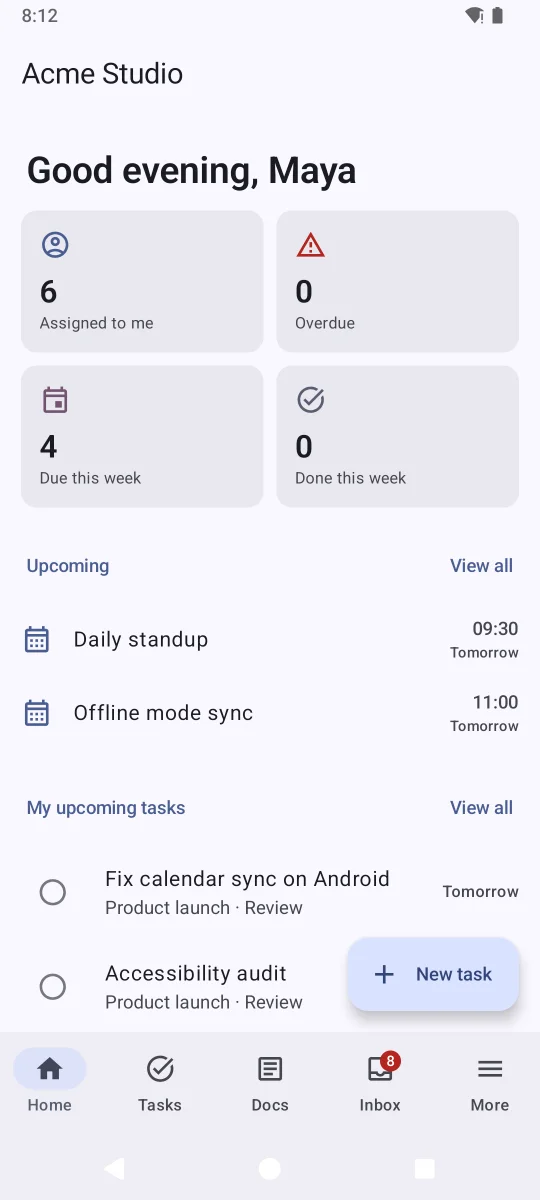
Today’s events, your tasks, the documents you were in and what waits for your approval, arranged the way you like.
- Cards you can show, hide and reorder
- Progress of every board
- Latest activity in the workspace
And around it
Everything a team needs, nothing it doesn’t
Boards and tasks
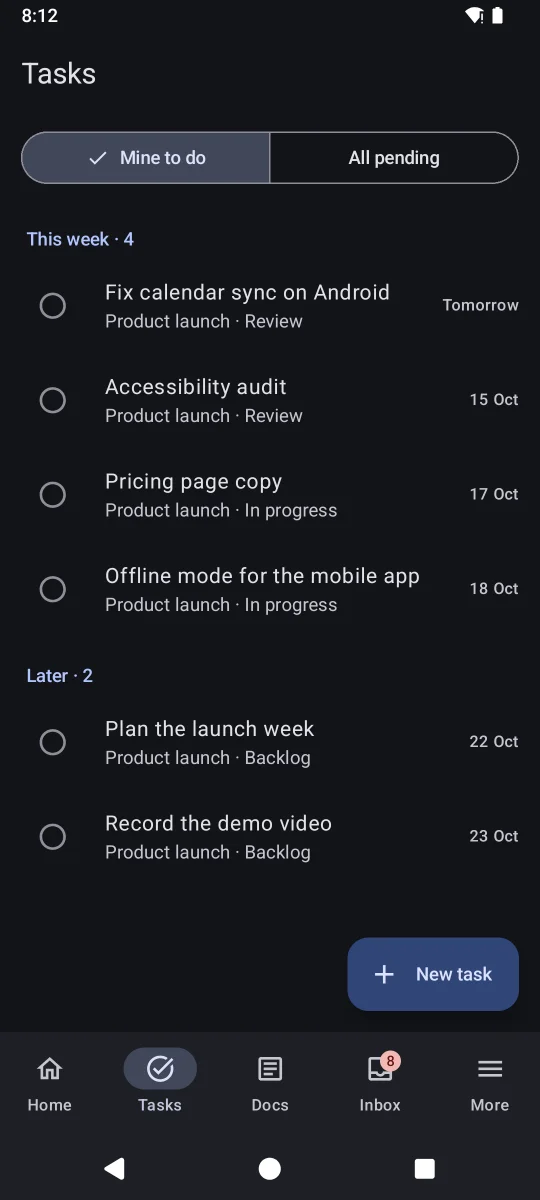
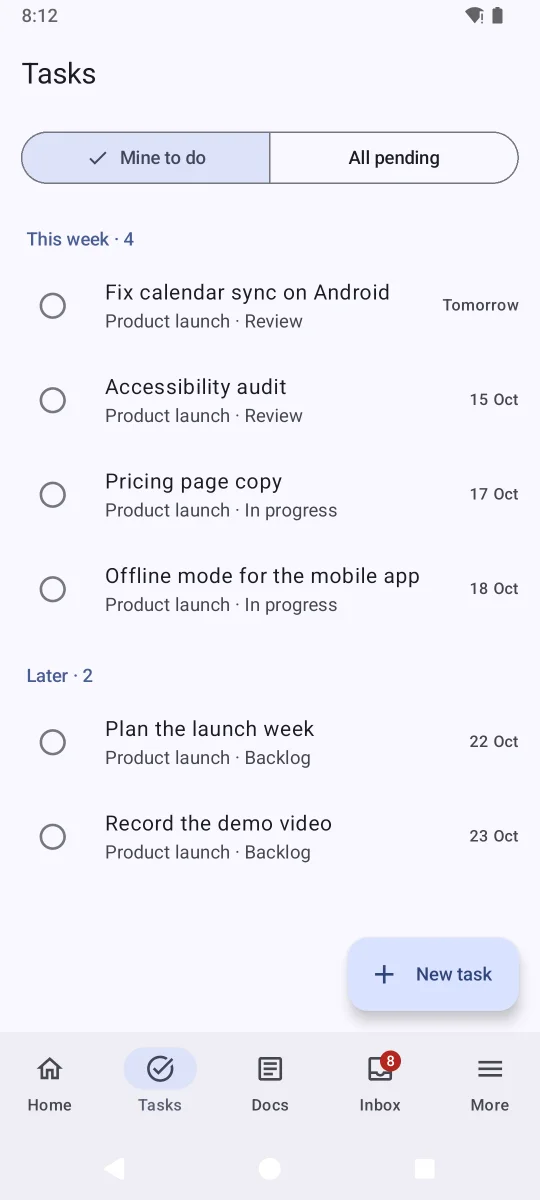
Kanban boards with assignees, labels, due dates, sub-tasks and per-person validation.
Collaborative documents
Write together, with formulas, diagrams, tables, code and embeds.
Calendar
Events, recurrence, a calendar per board and CalDAV subscriptions.
Mail alongside
Read your mailbox next to your work and turn a message into a task.
Projects
Small websites, LaTeX documents and Jupyter notebooks that run Python in the browser.
Made for school too
Connect Moodle to see deadlines, courses and messages beside your own tasks.
Roles and guests
Fine-grained roles, read-only members, and guests who see only what you share.
Yours to host
Docker on your server, your identity provider, your data.
Apps
Native apps that work offline
Take Looty everywhere. The apps keep your boards, documents and calendar on the device, let you work without a connection and sync when you are back.
Android
A native app with no Google services: notifications through UnifiedPush, a home-screen widget, sharing to Looty, offline editing and updates inside the app.
Linux and Windows
A light desktop app with a tray icon, notifications, global shortcuts and offline mode. Debian and Ubuntu update through apt.
iPhone, iPad and web
Open Looty in any browser, or add it to your home screen from Safari: it opens full screen and can send notifications.
Self-hosting
Your server, your data
Looty is a server you run. Each team or school installs its own: no shared account, and nobody else holds your data. This site only distributes the apps; inside them you sign in to your own Looty server.
- Docker Compose: three small containers and PostgreSQL
- Single sign-on with OpenID Connect providers
- Roles, guests and public sharing under your control
- Free software, GPL-3.0
# docker-compose.yml + .env
curl -LO https://github.com/untypequicode/looty/releases/latest/download/docker-compose.yml
docker compose up -d
Download
Get Looty
Latest versions, straight from this site.
Android
APK for Android 8 or later. Allow installing from this source the first time.
Linux (Debian, Ubuntu)
Installing the package also adds the update repository, so “apt upgrade” keeps it current.
Windows 10 and 11
Installs for your user only. Windows may warn about an unknown publisher: More info, then Run anyway.
Debian and Ubuntu with apt
Add the repository by hand if you prefer, then install and update like any package:
sudo install -d /etc/apt/keyrings
curl -fsSL SITE/apt/looty-archive-keyring.asc | sudo tee /etc/apt/keyrings/looty.asc >/dev/null
echo "deb [signed-by=/etc/apt/keyrings/looty.asc] SITE/apt stable main" | sudo tee /etc/apt/sources.list.d/looty.list
sudo apt update && sudo apt install looty
NixOS and Nix
Run it, or install it in your profile:
nix run github:untypequicode/looty#looty-desktop
nix profile install github:untypequicode/looty#looty-desktop